
This has been improved in the returns processing process
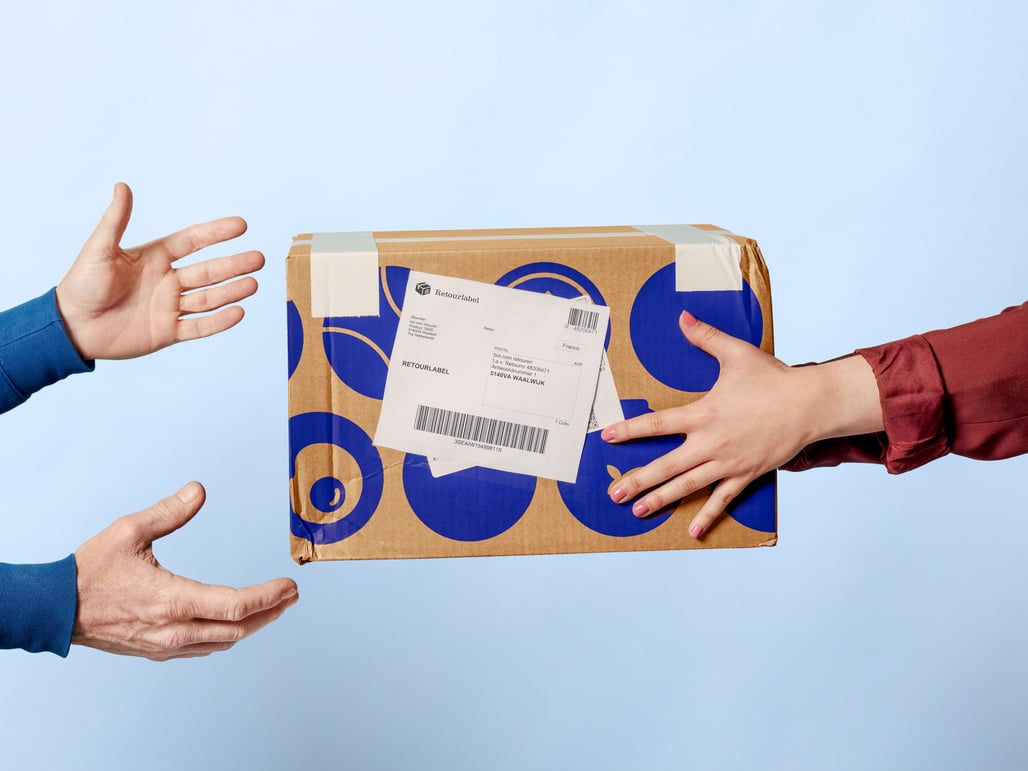
Starting today, you can easily process unregistered or expired returns yourself using the 'create new return' button at the top right of the returns page. Curious how this works and what else has been adjusted based on partner feedback? You can read it here.
Easily process unregistered returns yourself
It sometimes happens that a customer returns an order without registering it as a return. For you as a partner, this meant you had to process the return via the orders page. To make the process more user-friendly, this function has now been added to the returns page in your seller account. For this, use the new 'create new return' button. In addition to the 'accept return' option, you can now also choose 'decline' or 'exchange'. Here you can read how it works.
The old method via the 'orders' page will no longer be available.
Please note
When you choose 'create a return', a return label will not be created for the customer – even if you use the bol return service. Only use this option when you have already received the item, or when you want to refund the customer without a return shipment taking place.
Process delayed returns yourself
When a customer reports an order for return, delays can occur, causing it to take longer than 21 days to process the return. Therefore, from now on, you can process returns yourself in your seller account even after those 21 days, and you no longer need to contact Partnerservice for this. For this, also use the new 'create new return' button.
This has been adjusted based on partner feedback
Thanks to the feedback partners have given on the returns page in the seller account, the following improvements have also been implemented recently:
- Easily filter open returns with a single click
- Open a specific return using a direct URL
- The track & trace code is directly visible on the page
- The 'Internal reference' field has been added
- A button has been added that allows you to directly copy an order number
- The fields under 'Return history' are better aligned