
Own return service
Do you want to set up your own return service in your seller account? On this page, we explain how to do it.
Own return service
If you do not wish to use the bol return label, then you must personally offer a return service that allows customers to return their items to you free of charge. In that case, you must provide the customer with your own return label and clear return instructions.
Set up your own return service?
Follow the step-by-step plan below to set up your return process in the seller account.
Go to 'settings' in your seller account
You can find this by clicking on your seller name in the top right, or go directly to your settings by clicking here.
Under the heading 'My shop', go to 'Return method'.
Or navigate directly to your return settings by clicking here.
Click 'I'll arrange it myself' and then 'save'
.png?width=1152)
Managing your return service yourself
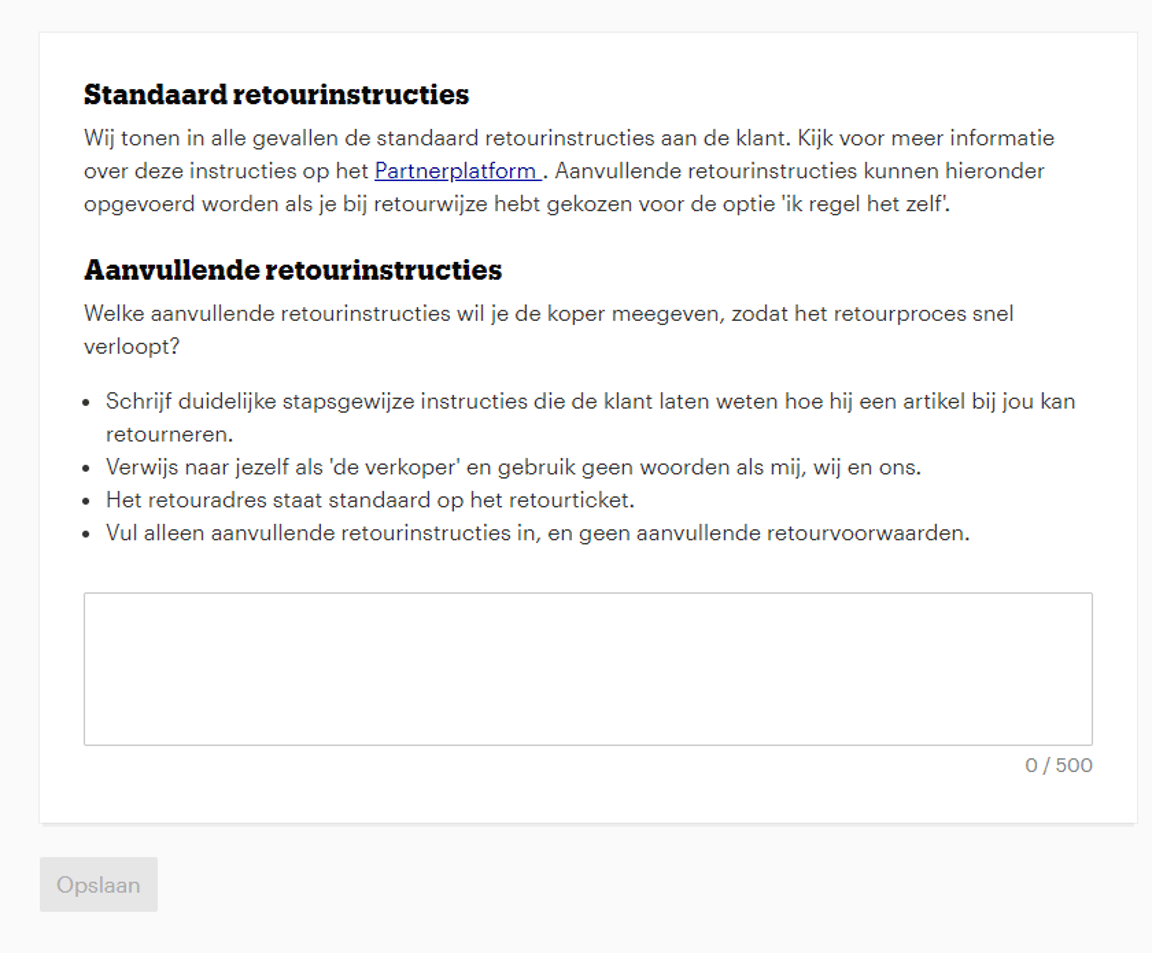
If you choose to manage your return service yourself, you have the option to provide additional return instructions to your customers. These additional return instructions complement the standard return instructions and can be entered in the 'additional return instructions' field under the heading 'Return method'.
Please note! With the standard return instructions, the customer cannot return items free of charge using the 'return label'. You must arrange this yourself. How you do this depends on the type of cooperation with your delivery service or logistics provider. For example, some partners use a reply number, allowing the customer to easily return items free of charge without a return label.
Do you want to send a return label to the customer?
In your account under 'Orders', you will find your pending returns under the heading 'Returns'. You can send the return label to the customer using the email address provided.