
Return options
When setting up your return process, you have 2 options: you can use the bol return labels or arrange it yourself. If items cannot be returned via regular parcel post, you must arrange for them to be picked up from the customer via a free pickup service. On this page, you can read more about this.
Return method
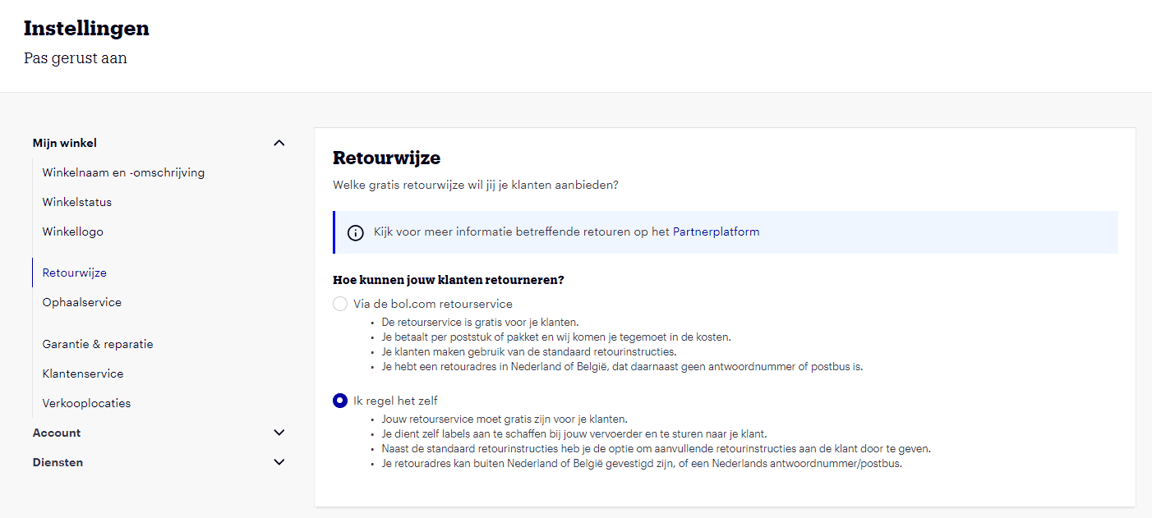
In your account under ‘Settings’, in the section 'Return method', you'll find the return settings for your shop as they are known to us. When setting up your return process, you have 2 options: you can use the bol return labels or arrange it yourself.
- You use the bol return label
When you use the return service via bol, you can purchase return labels at a reduced rate. After registering a return, the customer automatically receives a return label in their customer account, allowing them to return items free of charge. You can find more information about this option here. - You arrange your return service yourself
If you use your own return service, you arrange the return process yourself. You need to purchase labels from your carrier and send them to your customer. Your customers can still return their order to you free of charge. You can find more information about these options here.
Return address
Here you can specify the address where you receive customer returns. The return address depends on which option you choose: the bol return labels (the return service via bol) or if you arrange it yourself:
- Do you use the bol return label?
The address you enter here is used to create the return label for the customer. To use the bol return label, your return address must be in the Netherlands or Belgium. Additionally, in combination with our return service, you cannot use a reply number as a return address, as this leads to double costs. - Do you arrange your returns yourself?
Then the return address can also be outside the Netherlands or Belgium. You can also use a reply number or PO box.
Return conditions
The return conditions are the same for everyone based on the 'Distance Selling Act'. The following return conditions also apply by default to all customers when purchasing via bol:
Please note!
Do you use Fulfilment via bol? Then customer returns are not sent to this return address but to the bol return center. When you use Fulfilment via bol, the handling of return issues is taken off your hands.
Return instructions
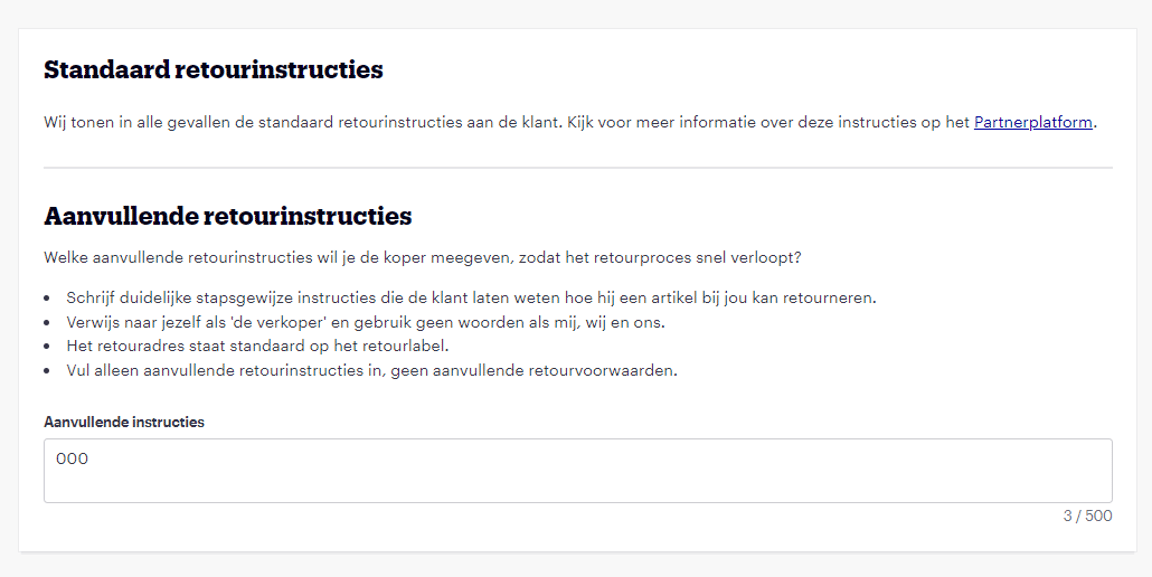
When the customer registers a return via bol, they will see bol's standard return instructions. You can find these instructions here. If you choose to arrange your return service yourself, you have the option to provide additional return instructions to your customers. These additional return instructions complement the standard return instructions and can be entered in the 'additional return instructions' field under the 'Return method' section.
Pickup service
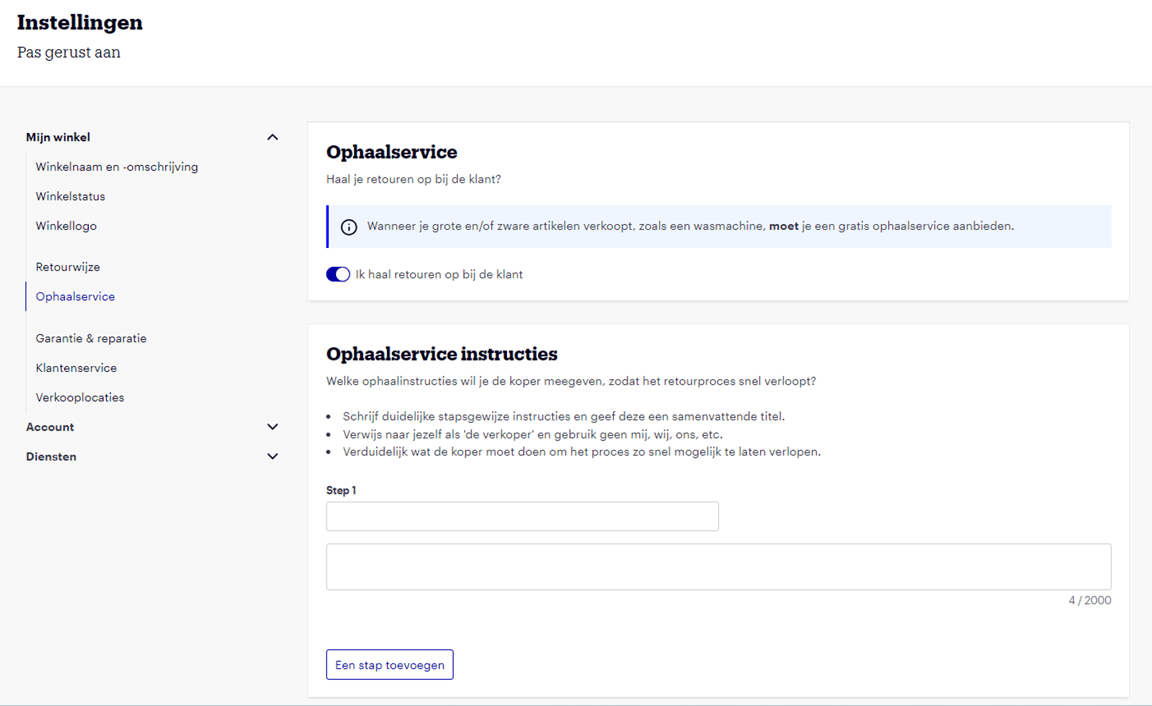
Do you sell large or heavy items that you deliver via a delivery appointment? If these items cannot be returned via regular parcel post, you must arrange for them to be picked up from the customer via a free pickup service.
If you offer such a product range, select 'I pick up returns from the customer' under ‘Pickup service’ in your seller account. If desired, you can create additional instructions specifically for returns via a pickup appointment.
If you indicate with the original order that transport was carried out by Dynalogic, Extra@Home, or via a ‘Delivery appointment’, the customer will automatically see the pickup service with instructions.
Frequently asked questions
about return settings