
My offer is not going online
On this page, you'll find the most common reasons why your offer isn't going online and how to resolve them.
Most common reasons why your offer is offline
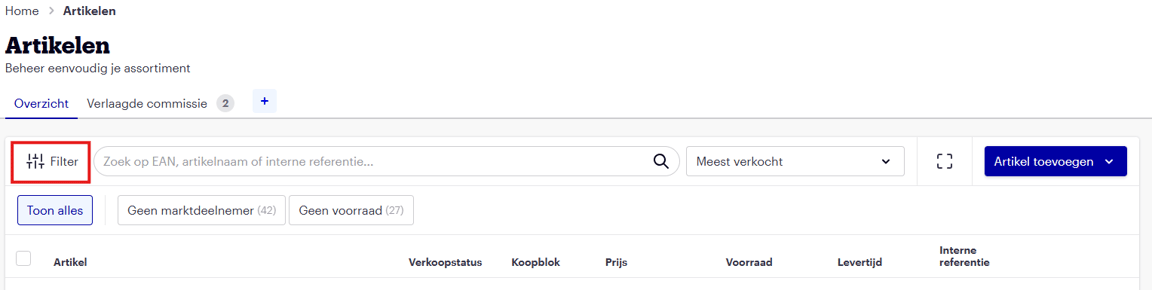
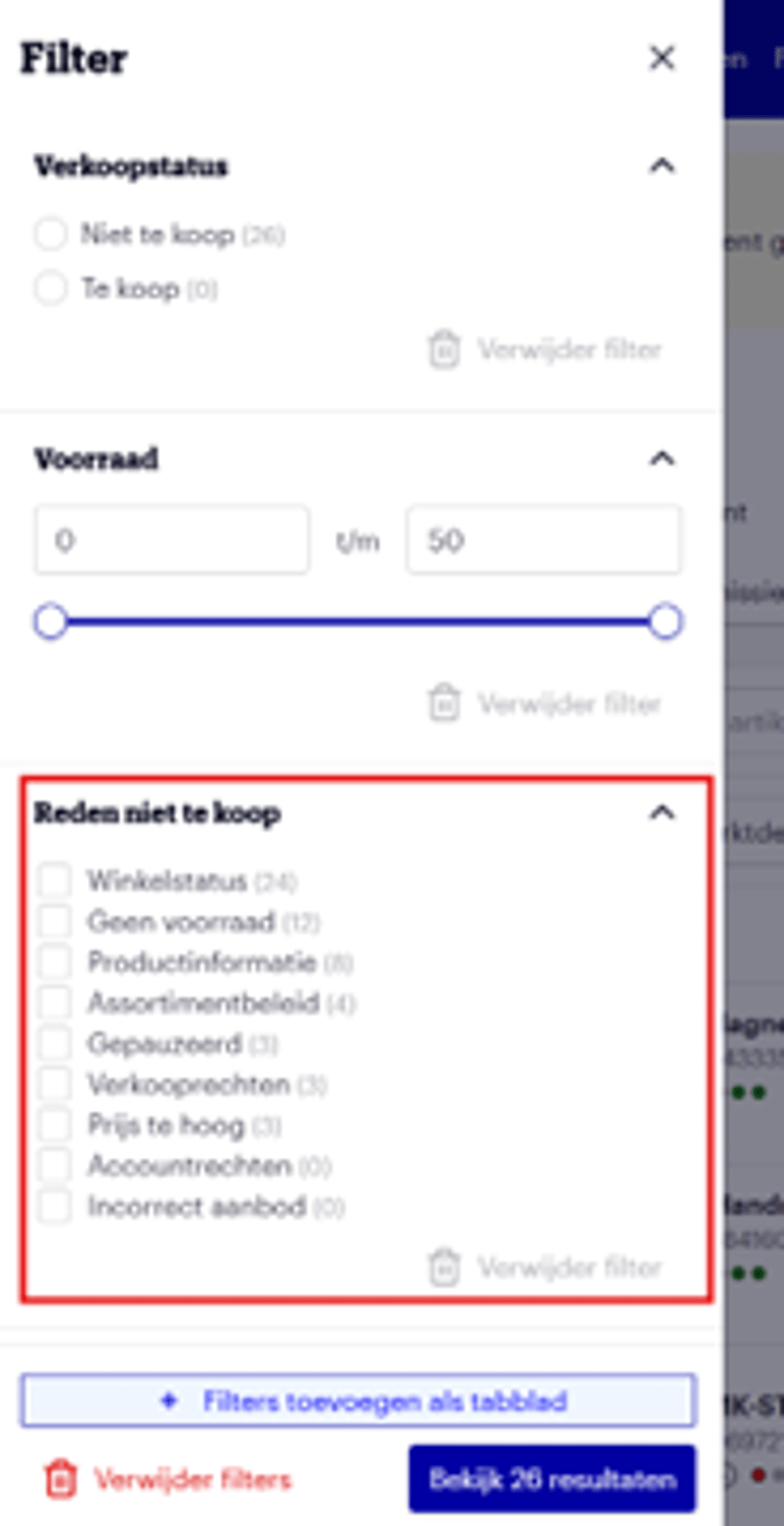
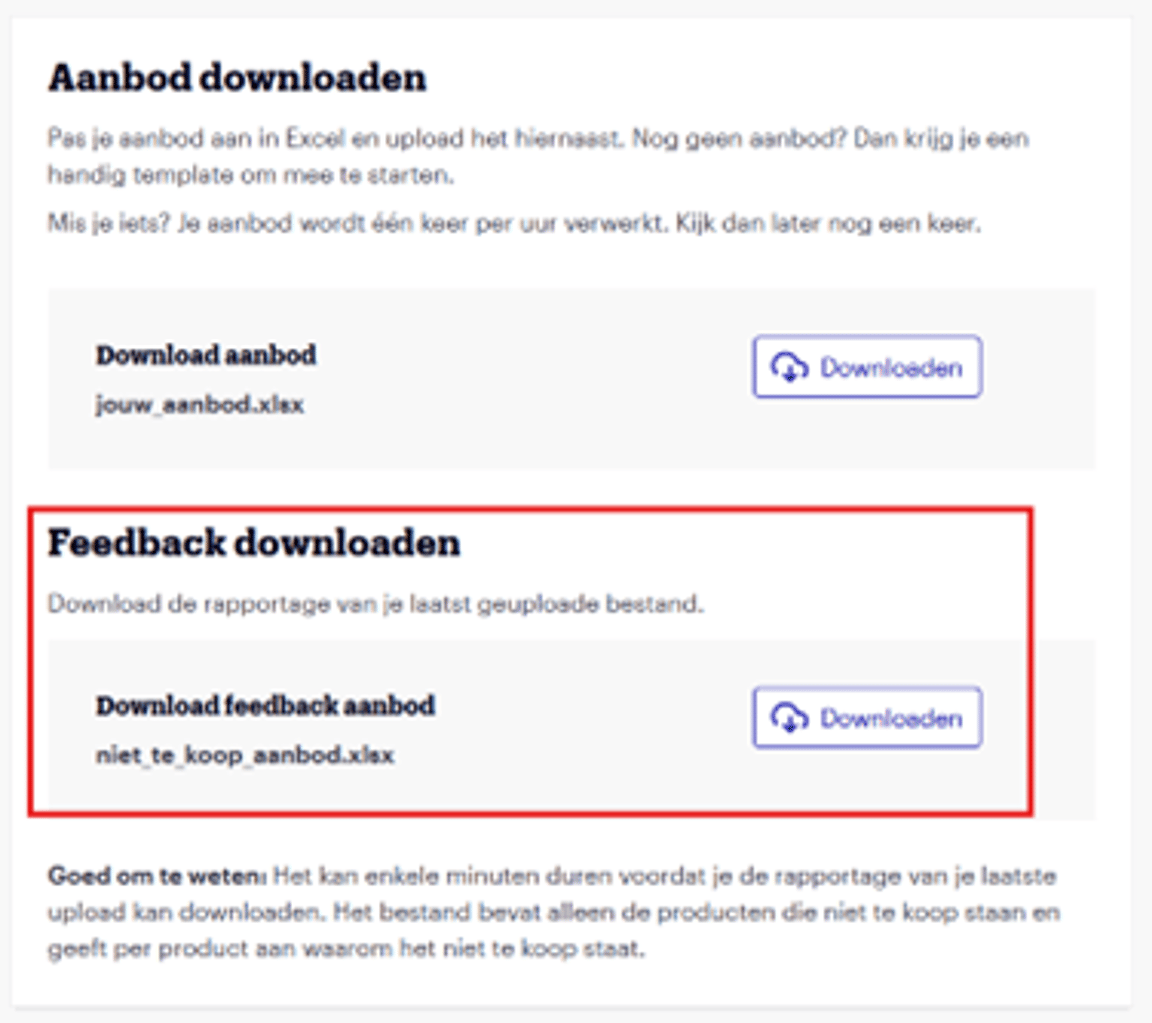
You can find the feedback explaining why your offer is not for sale in several places within the seller account. You can filter by ‘Reason not for sale’ under ‘My items’ or download a feedback file via ‘Manage offer in Excel’.
Explanation of reasons
Why your item is offline
Attention!
Have your items suddenly disappeared, or are you not seeing new items go online in our webshop? Then it’s likely that you’ve set the country preference incorrectly on bol. For example, if you only sell in the Netherlands? Check if you have the correct country preference set by clicking on ‘NL’ or ‘BE’ in the top right corner of the screen. The same applies, of course, if you only sell in Belgium.