Add videos to your content
On this page, you can read all about adding/changing videos.
Add video
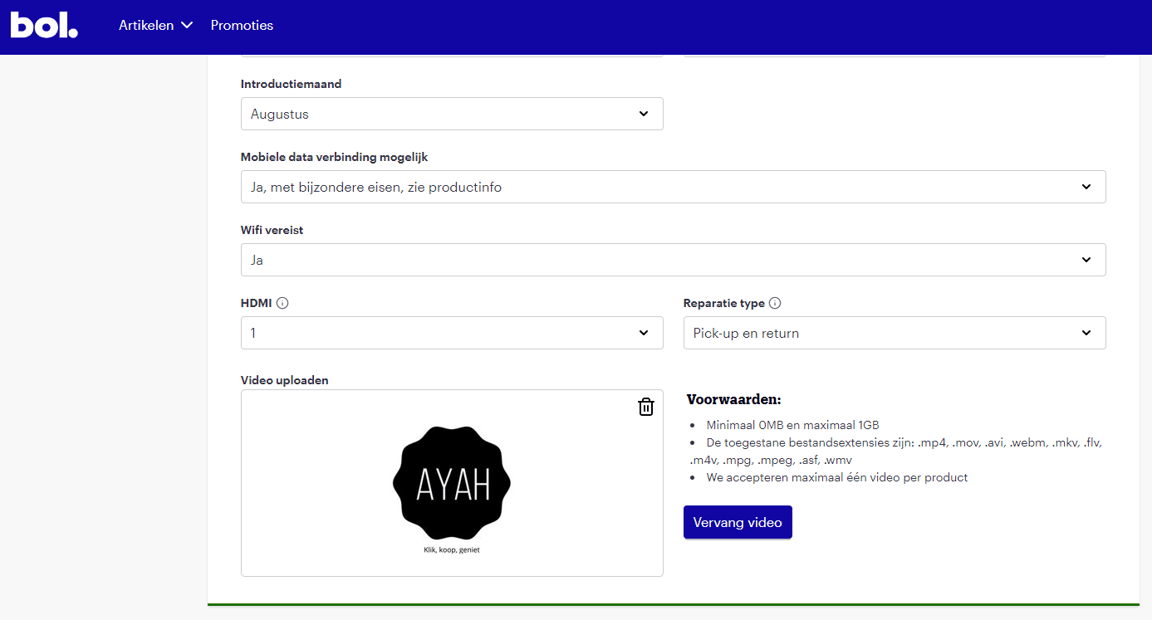
Go to the desired content page in your seller account and navigate to the 'Optional' section. Here you will find the field to upload your video:
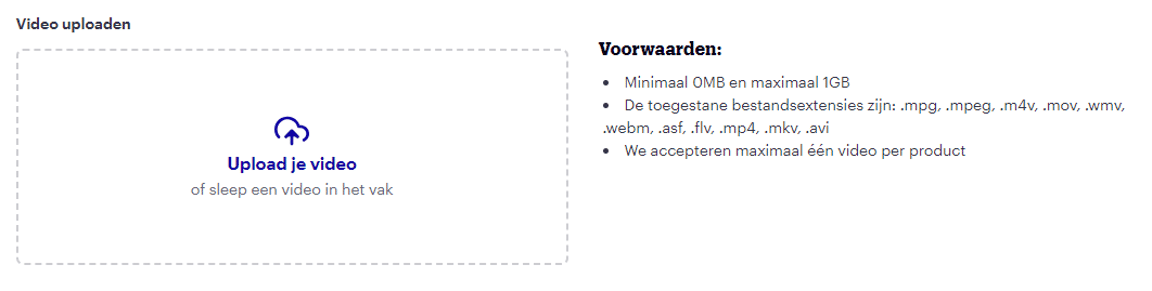
Drag your video into the box or upload the video by clicking on the field. Ensure the video meets the following requirements:
- Minimum 1 MB & maximum 1 GB
- The following file extensions are accepted: .mkv, .mp4, .flv, .avi, .mpg, .mpeg, .mov, .wmv, .web
- Please note:
All videos are converted to a 16:9 aspect ratio. Additionally, we create multiple versions of your video with different resolutions.
Your video cannot have a higher resolution than the one you provided.
Example:
For a video with 1080p resolution, we create versions with 1080p, 720p, 480p, 360p, and 240p resolutions.
For a video with 480p resolution, we create versions with 480p, 360p, and 240p resolutions. - It is not possible to upload a video if there are special characters in the video's filename. For example, '[]'.
- Videos must not contain spaces, as we cannot process them correctly otherwise.
Change video
Go to the desired content page in your seller account and navigate to the 'Optional' section. Here you will find the field to replace your video:
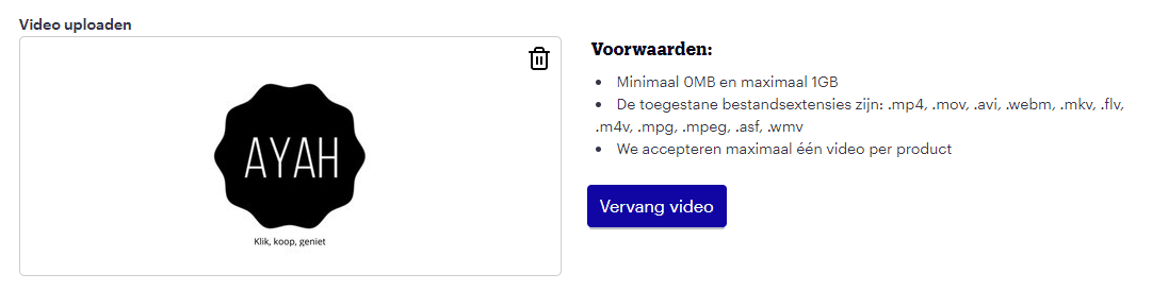
Click the blue 'replace video' button and upload a video from your PC.
Video is not online / in my seller account
We can display 1 video per item (online). The most recently uploaded video will be displayed. This means your video might be overwritten by a video provided later.
Remove video
You can remove the video where you uploaded it. To do this, click on the trash can icon next to the video.