
Disagree with rejection of modified content
The inability to adjust content is one of the biggest challenges. As a partner, you can object yourself. You can follow the step-by-step plan on this page for this.
How to object
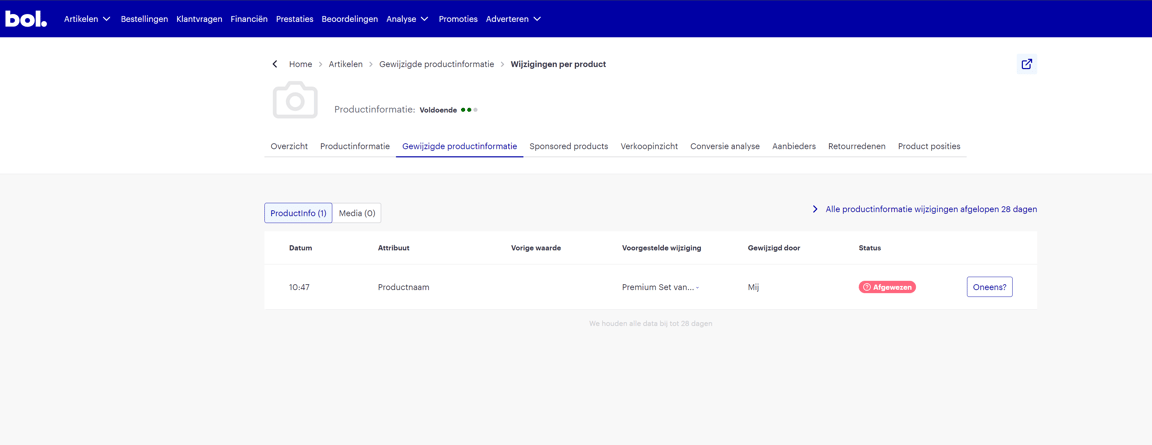
When you, as a partner, submit (new) content, you can see per item whether it is accepted. You can easily find this in your seller account under the "modified content" tab. If a change is rejected, it will say "Rejected". The reason for this is often that another party has a higher content score. Do you disagree with the rejection? Then follow the steps below to object.
Open your seller account and navigate to the "modified content" tab
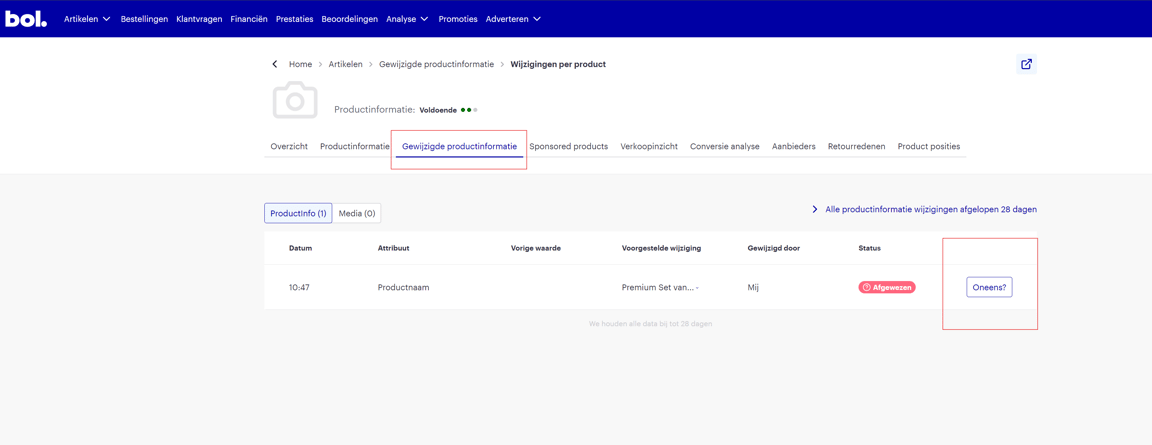
Click the "disagree" button
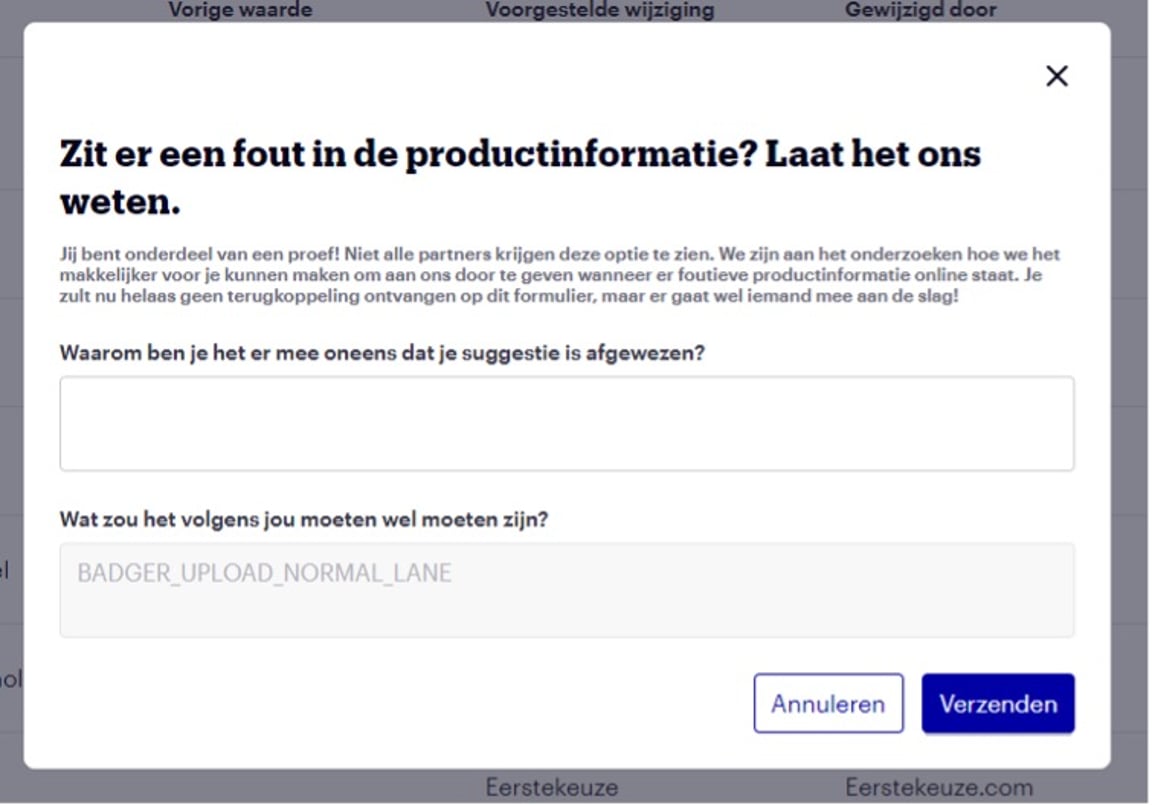
Enter the reason why you disagree with the rejection and click send
Within 24 hours, your objection will be reviewed by a bol colleague. This colleague is trained for this and has the most knowledge about this product category.
After the review, the status will change to "accepted" or "rejected" within 24 hours.
Unfortunately, it is currently not possible to see why your objection was rejected.