
Log in to your seller account
Welcome back. Discover new opportunities for further growth or log in directly to your seller account.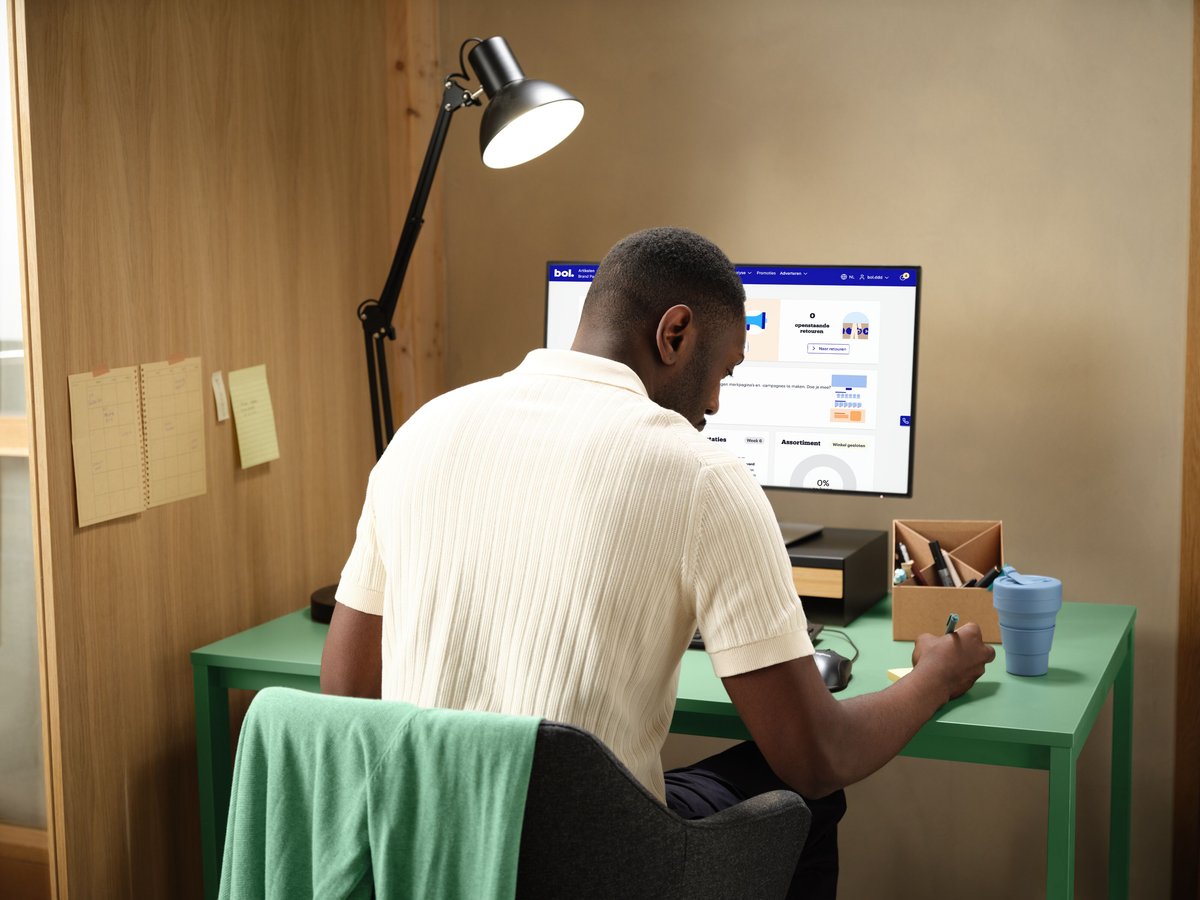
Further growthwith bol
.jpg?width=800)

Login problems
If you are experiencing problems logging in to your business seller account, we advise you to follow the step-by-step plan below. Do you want to change your login email address? Or other email addresses in your seller account for communication? Then read here how to adjust them.
Check if you are logging in at the right place.
Have you linked your business seller account to a customer account? Then check if you might be accidentally trying to log in to the customer environment.
The fastest way to log in to your business seller account is via this link.
Check if you are logging in with the correct email address.
Your login email address may differ from the contact email address where you receive emails from us. Are you unsure which email address to use for logging in? Then refer to your validation email. It contains your login email address.
Check if you are using the correct password.
Not sure? Then use the 'Forgot password' link. This way you can set a new password. You do this by choosing 'forgot password?' on the login screen and following the instructions.
Clear your cookies from your web browser.
Are you using the correct details and still can't access your seller account? So-called 'cookies' can sometimes cause problems, especially if you have multiple bol accounts (both customer and seller accounts). A cookie is a small text file that is stored in your computer's, tablet's, or smartphone's browser when you first visit this website. Clear the cookies from your web browser. This can be done in most browsers via the menu in the browser's toolbar. After clearing the cookies, try logging in again. As alternative options, you can also use an incognito window or a different web browser that you haven't logged in with before. More information about (clearing) cookies can be found here.
Frequently asked questions
At a glance