
Partner reviews
On this page, you can read more about your rating, how it is determined, how to view it, and how you can influence it.
Customer reviews
Customer reviews help ensure the quality of bol as a shopping platform and the satisfaction of our shared customers.
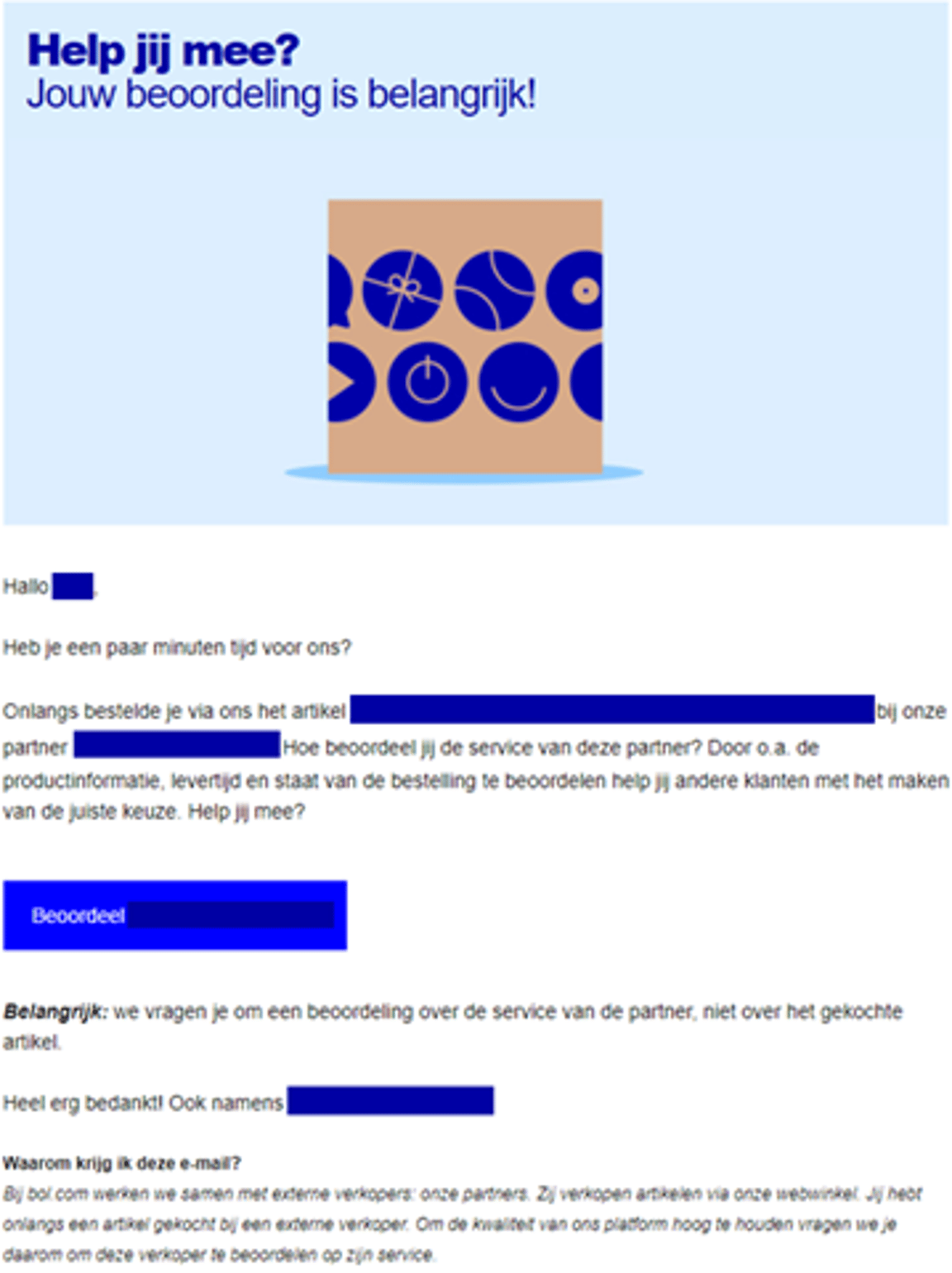
3 to 14 days after the expected delivery date of an order, we send the customer a review request. We only send this to customers who have indicated in their account that they want to give reviews. We also check if the customer has not received any other (commercial) email from us on the day they are eligible for your review request.
To successfully sell via bol, good customer reviews are very important. We consider a good review to be an average score of 8 or higher, because we know that customers are truly satisfied then. In your seller account, under the menu ‘Performance’, you can find your average rating over the past period. You will also find tips here to keep your rating high or to improve it.
A product review is different from a customer review
A product review is about an item, a customer review is about you as a partner. Want to know more about a product review? Check out this page.
The review form
In the review form, a customer is asked the following questions:
- What score would you give (partner name)?
- What went well? or What could be better? (optional)
- Does the item meet the **content**?
- Did you receive the item according to the stated **delivery time**?
- What did you think of the condition in which the item was **delivered**?
- Did you have **contact** with the partner (partner name)? If 'yes': How was the **contact** with the partner?
Below you can see the email the customer receives.
The visibility of your rating
On your personal shop page, you can find your average ratings over the past 3 months. If you have received fewer than 5 reviews during that period? Then you will see the average of the total number of reviews received since you started selling via bol.
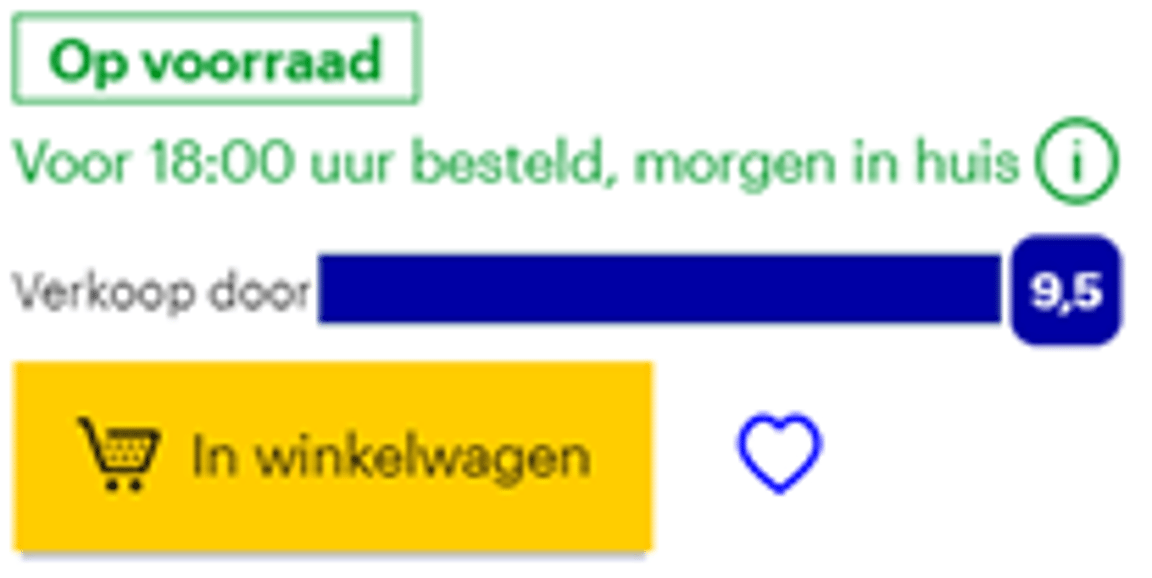
Your rating can also be found on the item page. Customers immediately see your rating when you are in the buy box, for example:
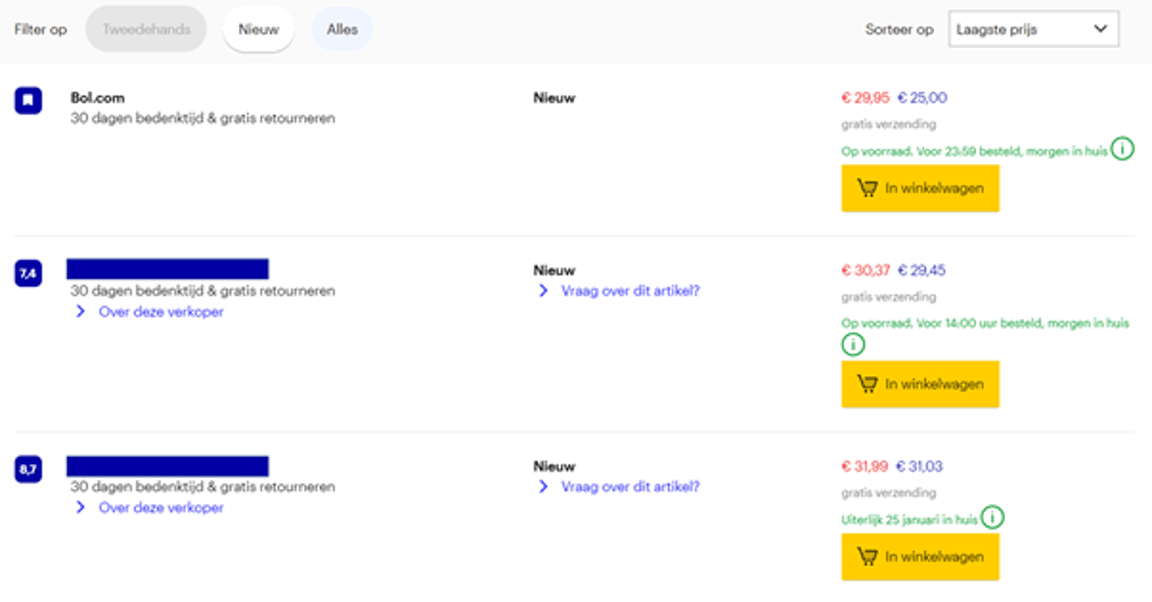
When there are multiple partners for one item and a customer wants to compare them, all ratings are also shown, for example:
Golden label for good ratings
When customers are very satisfied with you, you can get a golden label. You can recognize the golden label by the golden circle next to the ‘Overall rating’. This way, your score stands out even more.
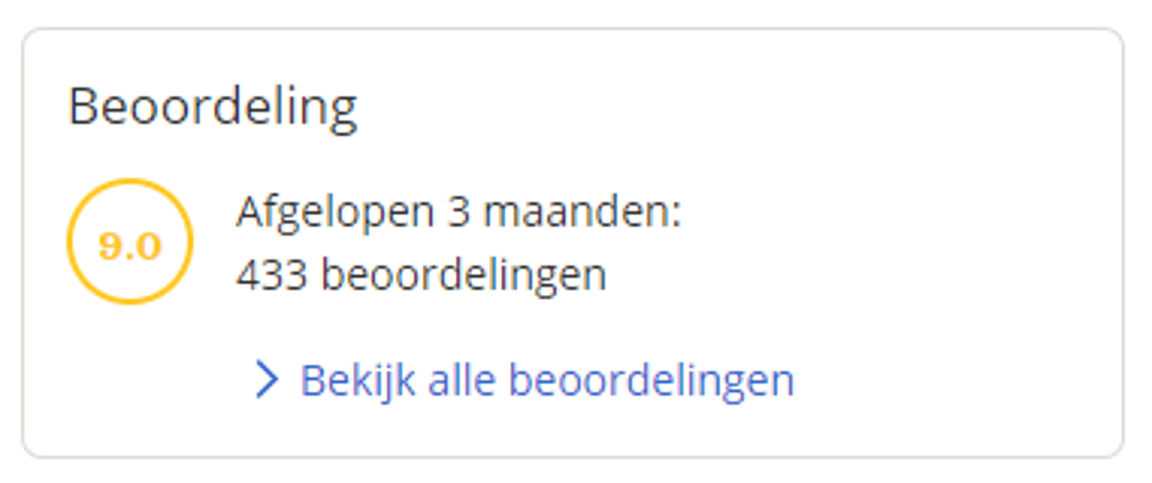
The conditions for a golden label are:
Your average rating is 9 or higher.
On the other points, you score 8.5 or higher.
You receive more than 20 reviews per month.
You sell more than 50 items per month.
Negative customer experiences
For partners who are regularly rated with an insufficient score and have an average of 5.0 or lower, we immediately and without warning close their shop and seller account. A re-opening of the seller account can then only take place under specific conditions. In this way, we want to prevent well-performing partners from suffering due to negative customer experiences with other partners.
Please note!
Evading the service standards is one of the categories within policy violations that we monitor. For example, it is not allowed to write a customer review about yourself. Furthermore, it is also not allowed to offer customers something in exchange for a review. Check the policy page for what is allowed regarding customer reviews.
Frequently asked questions
about customer reviews