Own promotions
Want to increase your visibility and sales? Promotions can help! In your seller account, you can easily choose your own product range and promotion duration. This can boost sales by 20 to 40%. Read more about it here.
Setting up your own promotions in your seller account
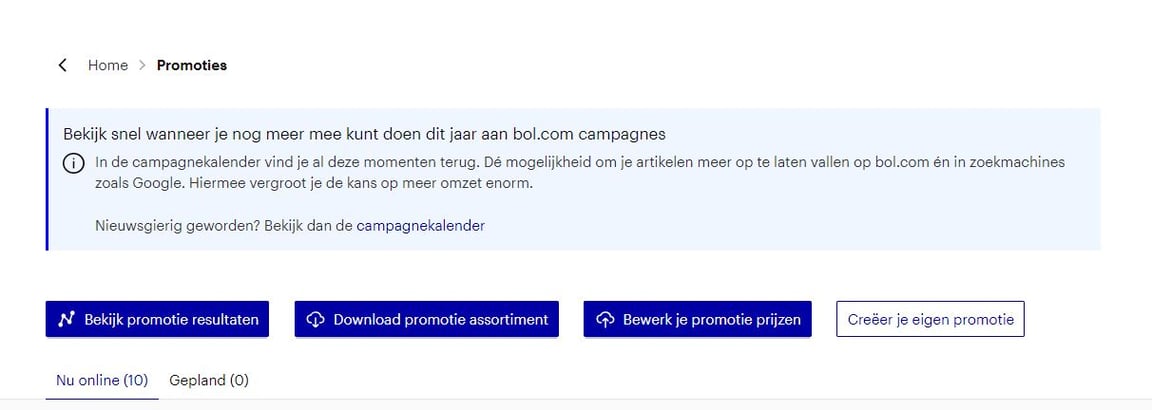
In the menu of your seller account, go to 'Promotions'.
There you will see the 'Create your promotion' button.
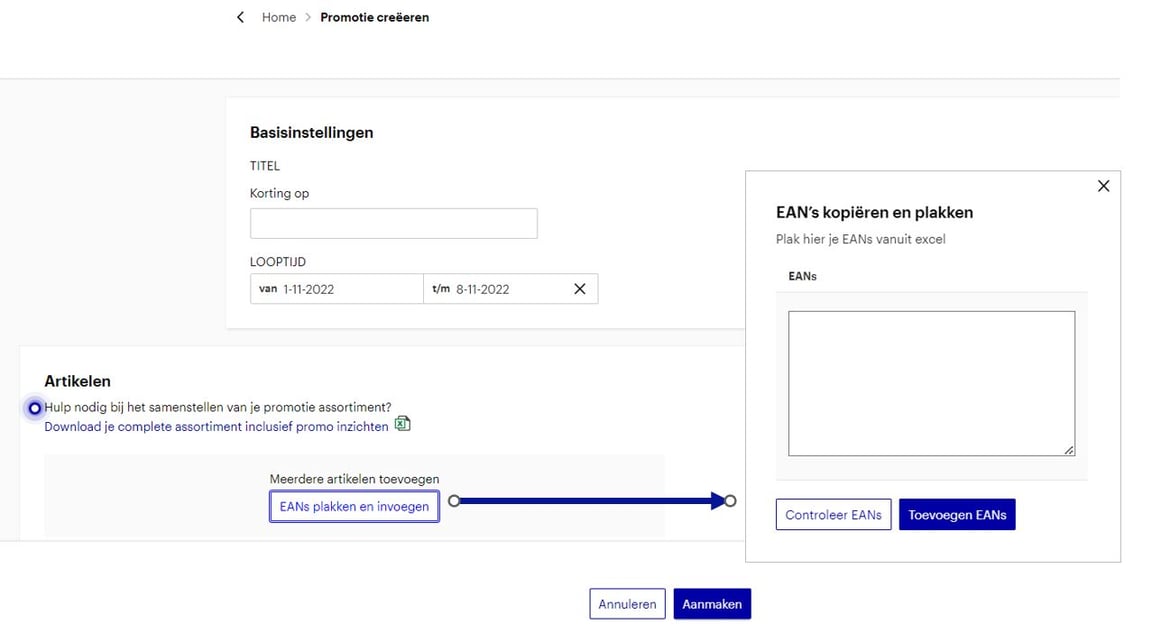
Determine the duration of your promotion.
You can also enter the title and the promotion product range.
Planned promotion
Once you have entered the product range and saved the promotion, you will find it under 'Planned promotions'.
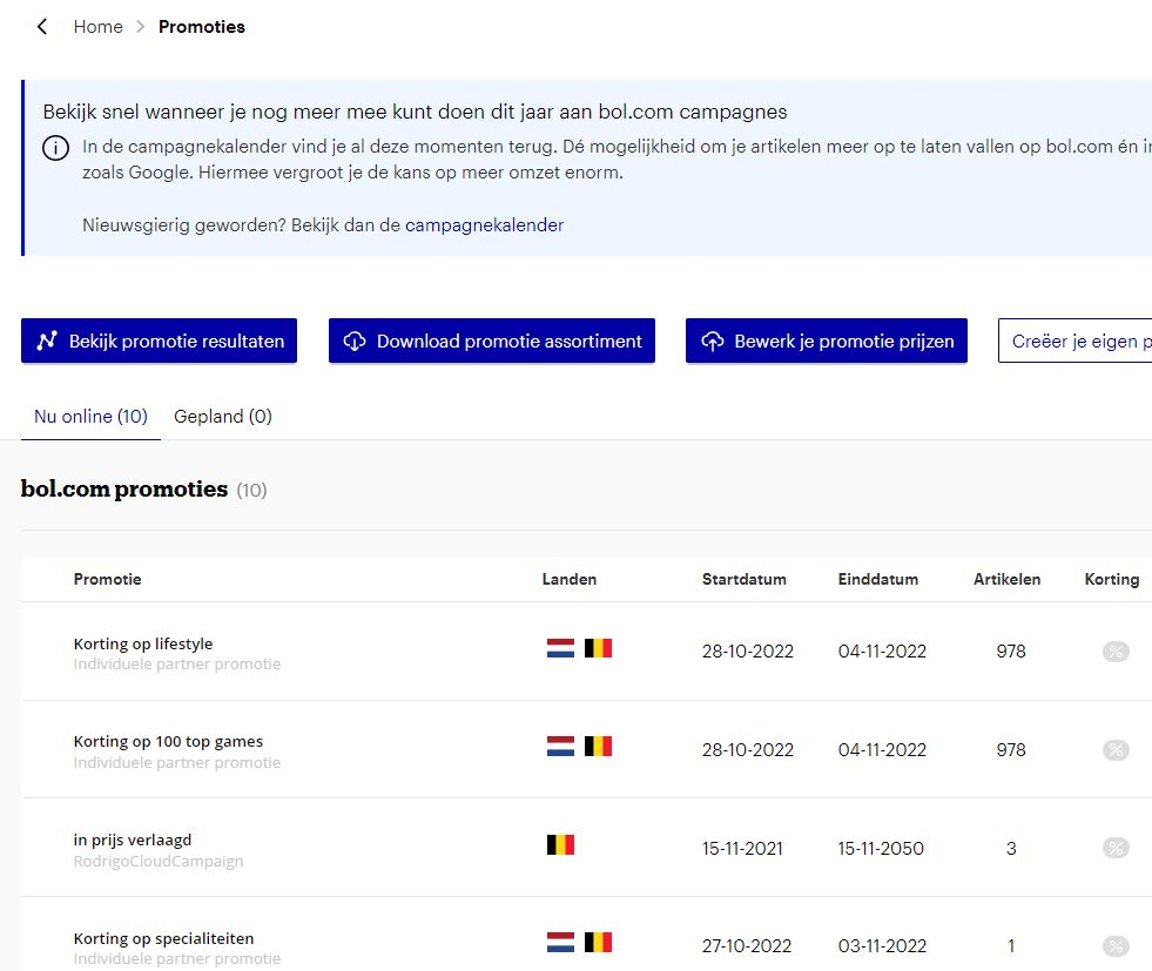
Click on your created promotion.
Here you have insight into your stock, current price, whether you have the buy box, and the maximum promotion price. You also have the option to enter your promotion price. To make the promotion visible to the customer, it's important that your promotion price is below the maximum promotion price and that you have the buy box. More information about the maximum promotion price can be found here.
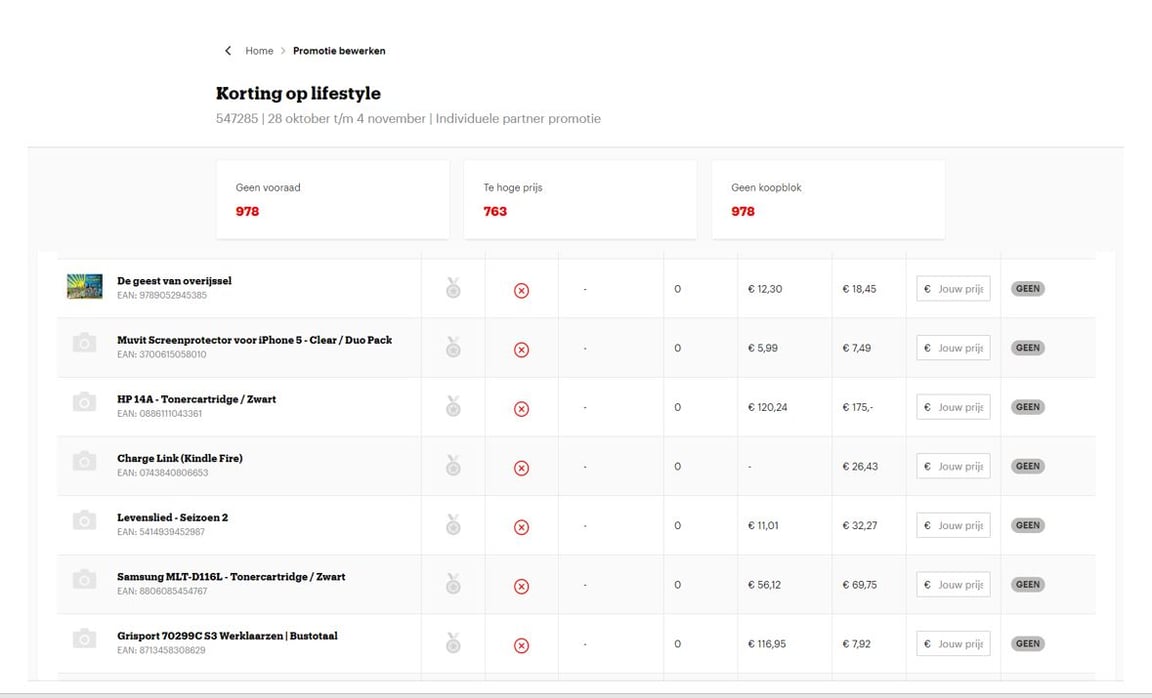
Change your promotion prices in bulk with one click.
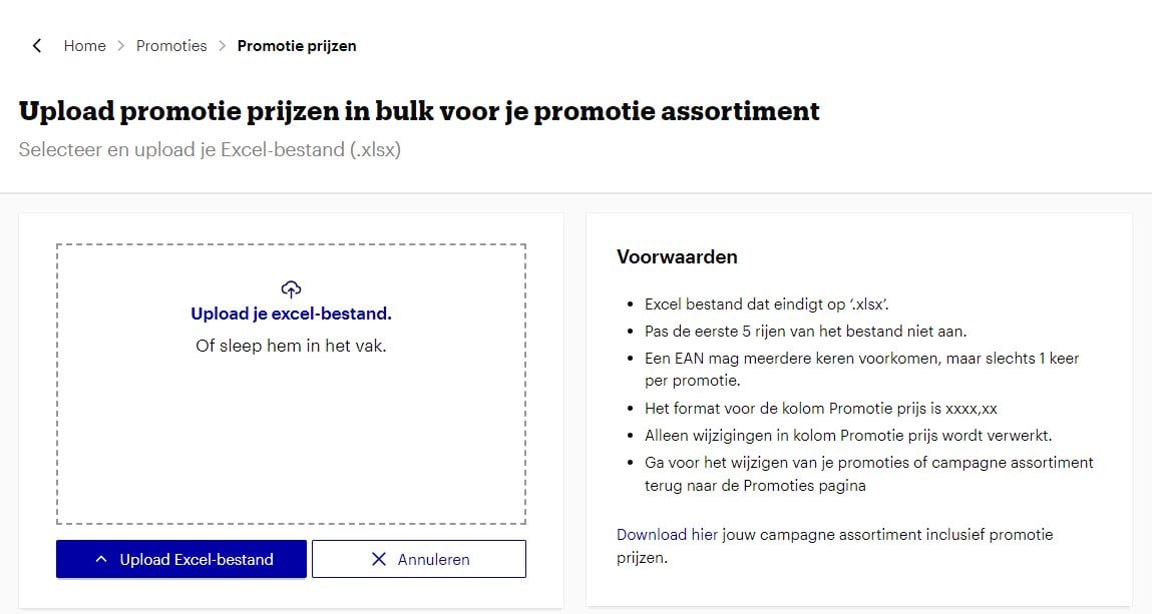
To easily manage your promotion prices, go back to the promotion page and click on 'Edit your promotion prices'. Here you have the option to price your entire promotion product range at once, or to change all desired prices via an Excel upload. This applies to both the product range with which you participate in a bol campaign, and the product range of your individual partner campaign.
At the bottom of the conditions block, you can download the Excel file with your entire promotion product range, including your promotion prices.
After you have entered or adjusted your promotion prices, save the file and upload the Excel file. Please note that you can only adjust your promotion prices using this upload functionality.