
Shop Name, Logo & Description
On this page, you can learn how to add or adjust your shop name, logo, and description.
Shop Name
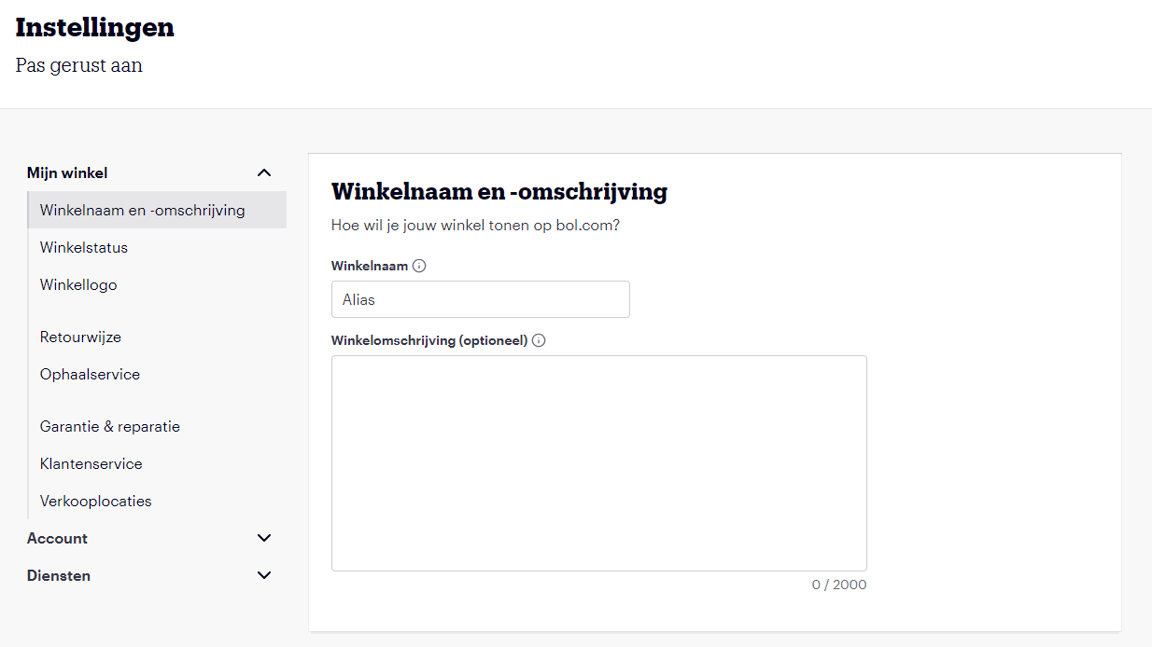
You can find your shop description in your account under 'Settings'. Under the heading 'Shop Name and Description', you can specify the seller account name you want to use to sell via bol in the 'Shop Name' field. The name you chose during the registration process will be displayed here. If you want to sell under a different name, you can adjust it here.
Shop Description
You can also find your shop name in your account under 'Settings' in the 'Shop Name and Description' section. In the 'Shop Description' field, briefly and clearly describe your shop. For example, describe the type of product range your company sells. Customers will read this information on your personal bol shop page.
Please note! It is not permitted to:
- include icons, emoticons, or special characters in your shop name or description. These characters can cause errors on shipping labels, which may prevent orders from reaching the customer.
- include references to external websites in your name or description.
- or to refer to bol in your shop name.
Shop Logo
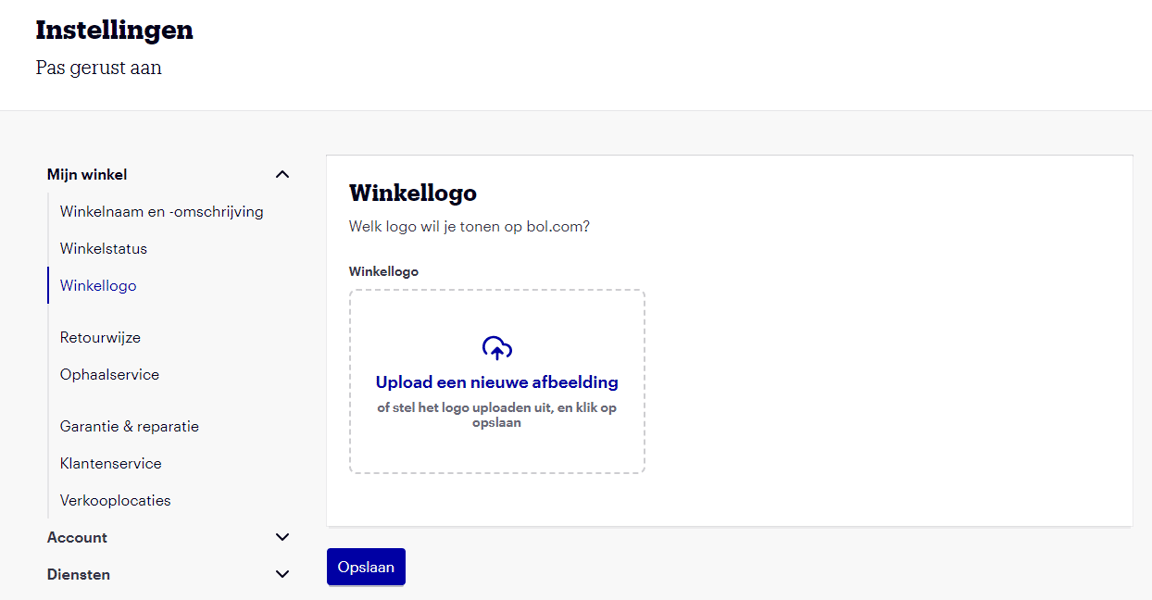
On this page, you can upload or change your shop logo. Customers will see the shop logo on your shop page. The image requirements for this image are:
Maximum image size 1000 x 1000 pixels and minimum 20 kB
The logo will ultimately have a size of 148 x 42 pixels
Frequently asked questions
about shop name, logo, and description