
Change login details
Read how to change the login email address of your seller account.
In your Seller Dashboard
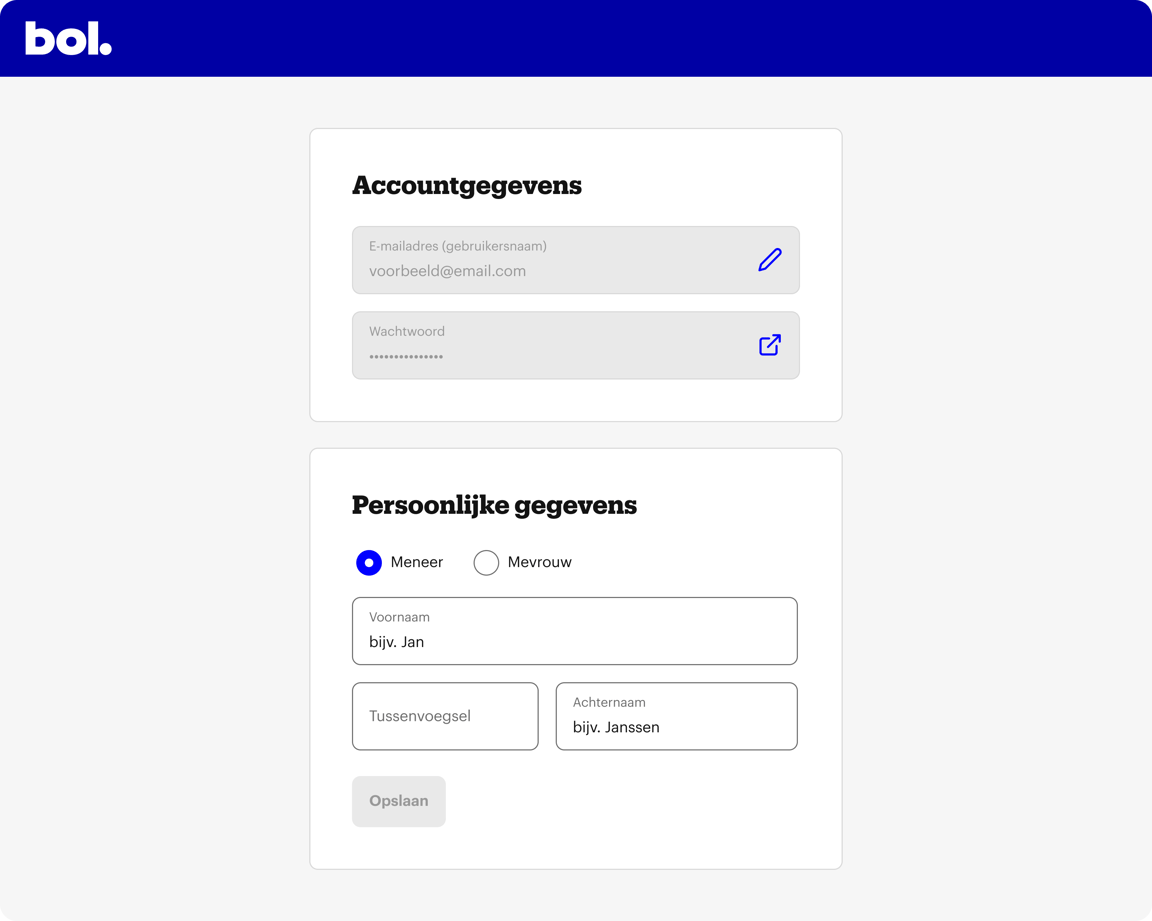
You can find your login details under: Settings > Account > Login details.
Then choose: Account details > Change. You will now see your details.
Do you want to change your email address? We will then ask for your password. We do this for extra security of your seller account.
Is your seller account linked to a private or business customer account?
When you change your login email address in your customer account, this will also become the new login email address for your linked seller account.