
Convert items
In your seller account, you can easily indicate which items you want to offer via Logistics via bol. This process is called converting to Logistics via bol. Follow the step-by-step plan on this page to quickly and easily convert your items.
Even easier
In this video, our colleague Charlotte clearly explains the steps.
Convert items
Convert your items to Logistics via bol and let us handle the shipping for you. This way, you benefit from fast deliveries, satisfied customers, and a higher chance of sales. Follow the step-by-step plan on this page and get more out of your offer.
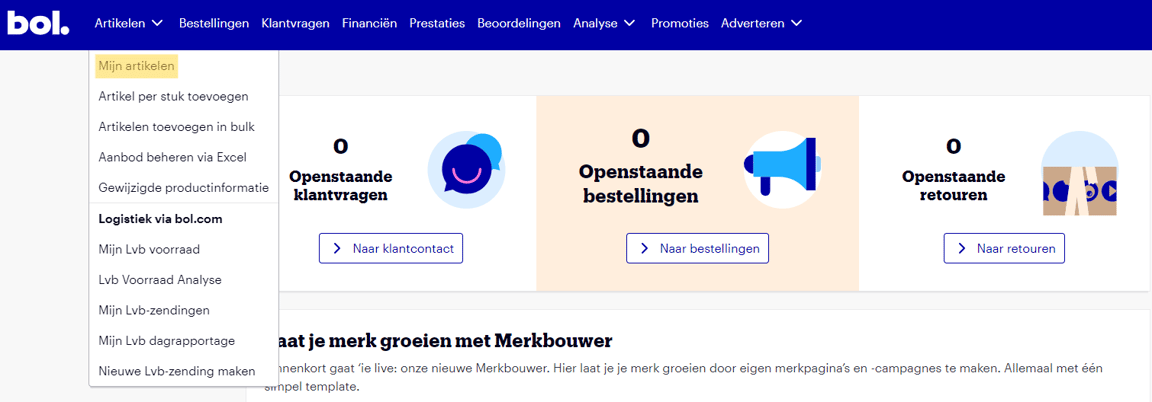
Go to 'My items'
Under 'Items', click on 'My items'. You will now see an overview of all the items you offer on our platform.
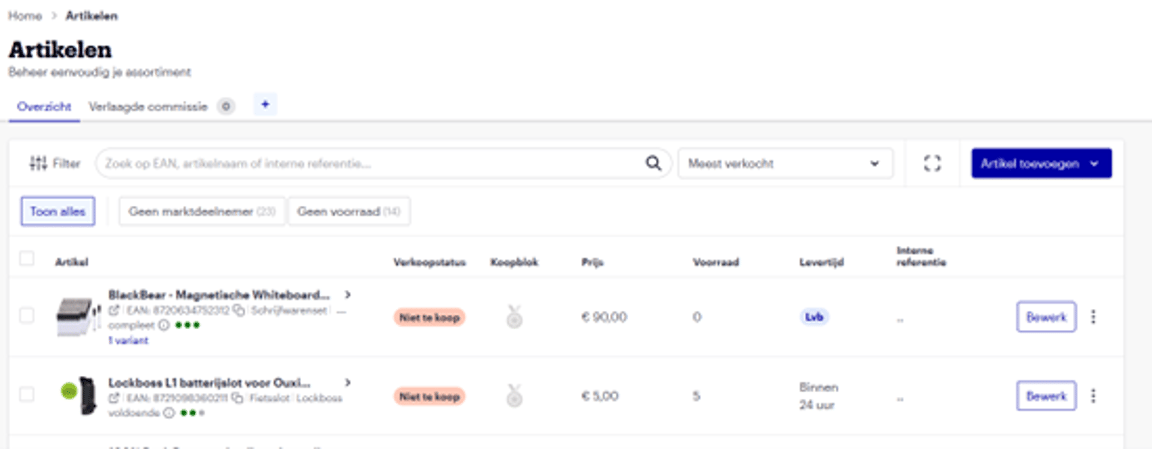
Select the items
Select the items you want to offer via Logistics via bol.
Important
It is important to know that successfully converting your items to Logistics via bol does not automatically mean they meet the delivery conditions. On this page, you can see which items are suitable for Logistics via bol and stay informed about the latest updates on the delivery conditions.
Did you know
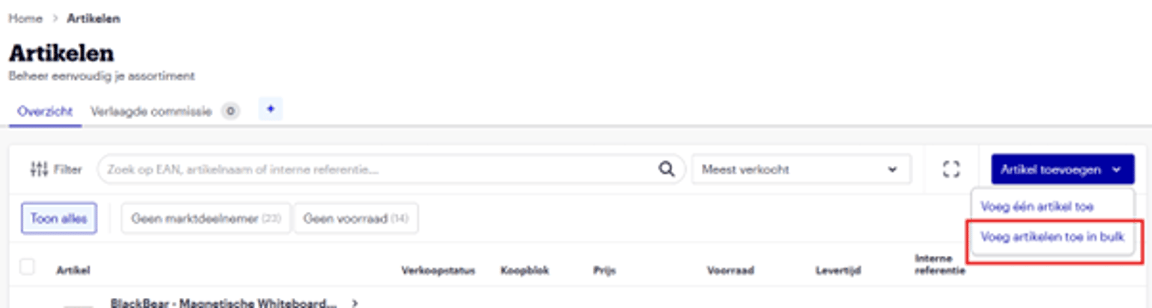
You can add your entire product range at once using an Excel file? When adding items, you can immediately select 'Logistics via bol' as the stock location. This way, your offer is online as soon as the item is in stock at the bol fulfilment center!
Convert items to Logistics via bol
Select the items you want to offer via Logistics via bol. Once you do this, the 'More bulk actions' filter will appear.
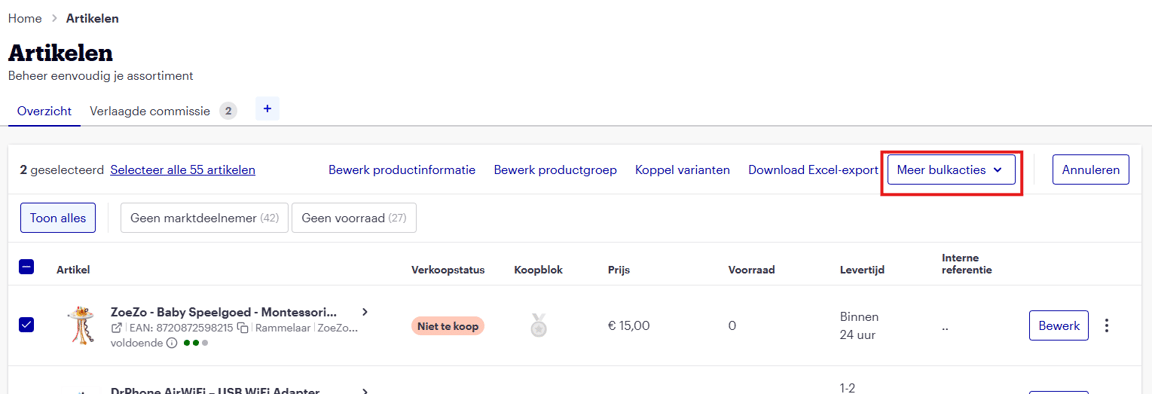
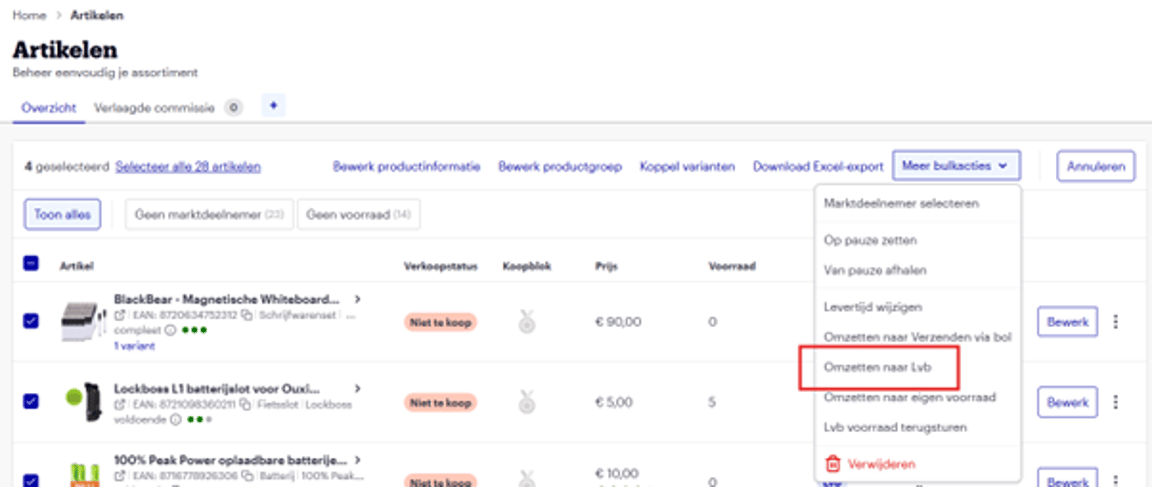
Under 'More bulk actions', you will now find the option to convert the selected item to Logistics via bol.
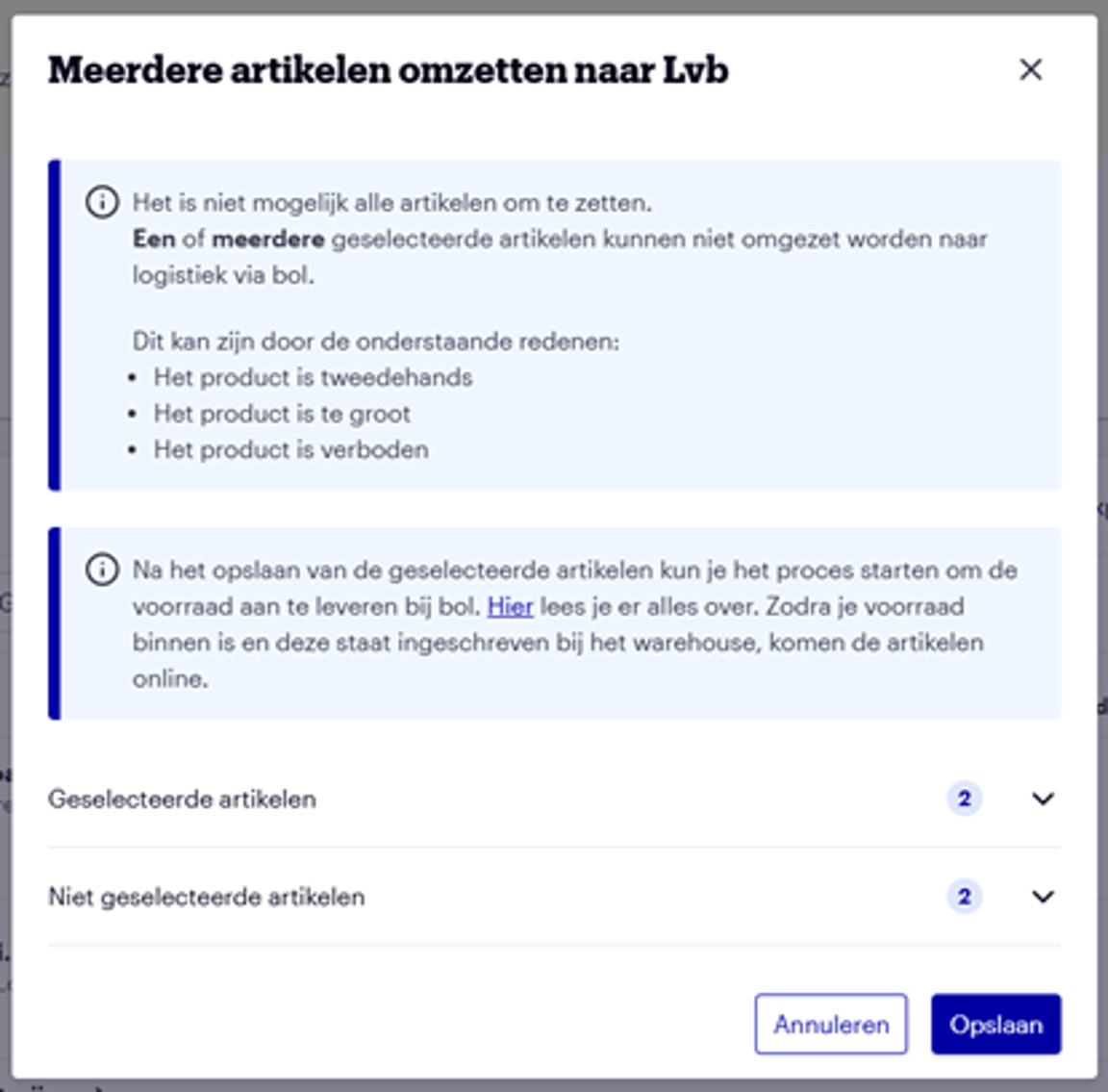
Save
Now just click 'Save' and you're done!
You are now ready for the next step: pre-announcing your items
Convert to Logistics via bol not visible
If you do not see the 'Convert to Logistics via bol' option in your seller account, please check if you have received confirmation of admission. If not, you can contact Partnerservice.