
Adjusting prices
On this page, you will find information about adjusting prices.
Adjusting the price per item
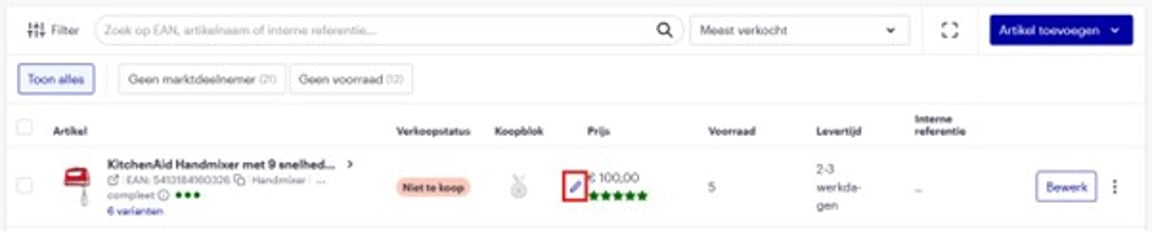
Navigate to the item overview in your seller account. Hover over the price and click the pencil icon to adjust it
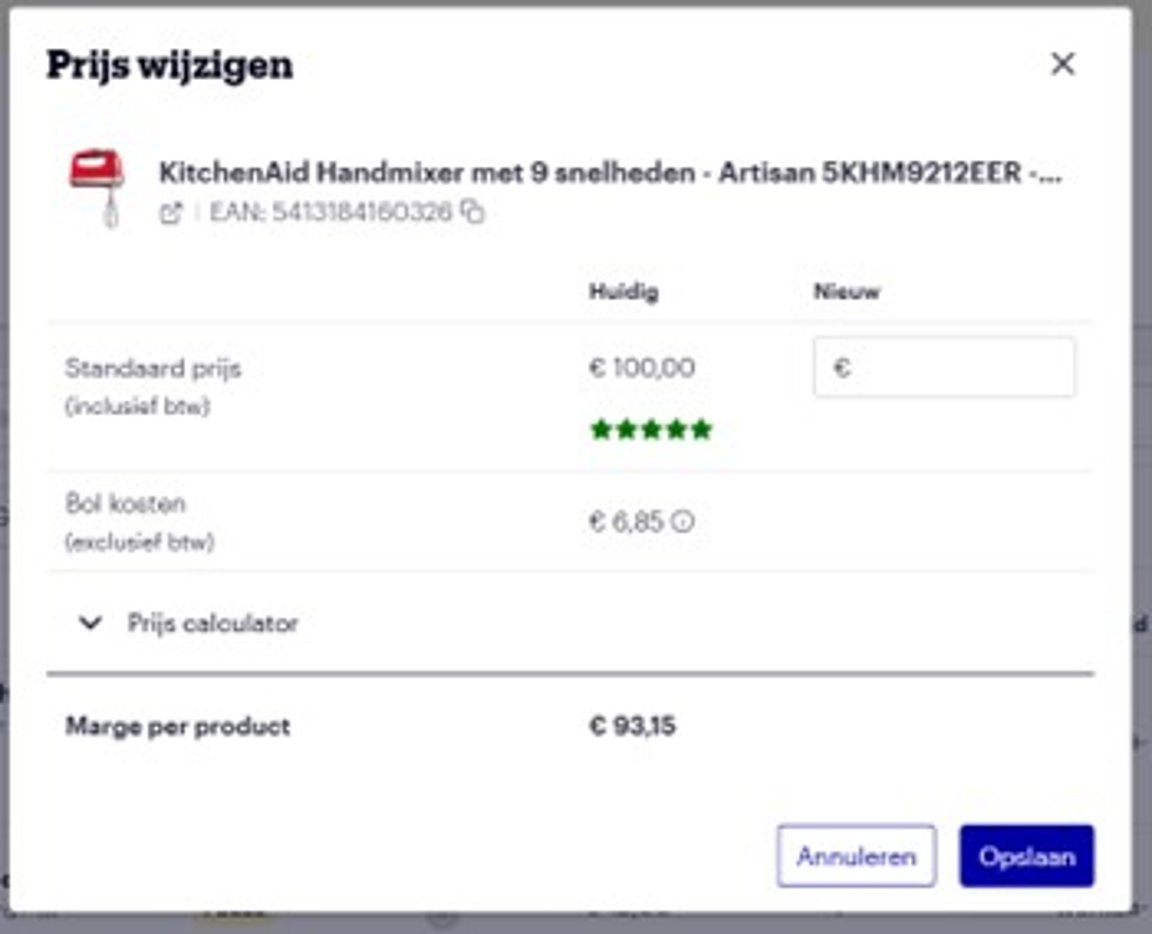
A pop-up window will appear where you can enter and save your new price.
Adjusting prices for multiple items
Changing prices via the API
Do you use an API connection? Then it's possible to adjust your price there. Explanations can be found on this page.
Processing time
A price adjustment is processed within 15 minutes and will then be visible for your item on the website. If this period has passed for your change and it's still not correct, please contact Partnerservice.